
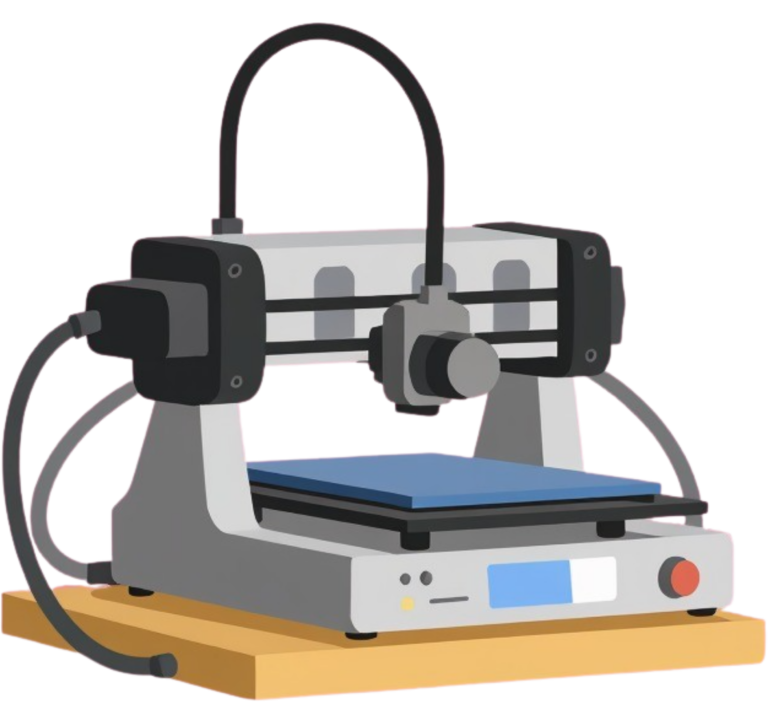
3D Printing
The Mooresville Public Library has a 3D printer! This printer can be used to create appropriate three-dimensional objects made of filament using a design uploaded from a digital computer file. The 3D printer is available to all ages, however, printers are used as part of pre-scheduled programs or for general use during designated times administrated by trained library staff.
To have an object printed, you must email a .STL, .OBJ, or .3MF file to elif@mooresvillepublic.lib.in.us. You may create your own 3D file using tools like the free, online platform Tinkercad, or software like Blender. You may also find 3D files available online, through platforms like thingiverse, from vendors selling 3D files, or from cultural heritage institutions providing scans of historical objects. Once you have located an object you would like to print, please make sure it both follows our 3D printing policy, and that it is compatible with the physical constraints of our machine.
3D Printing Policy:
- Objects that may threaten the health and safety of the creator, other patrons, library staff, or the general population will not be sent for printing, neither will any objects prohibited within the library or prohibited by State and Federal law.
- Objects that infringe–directly or indirectly–on previously established trademarks or
- patents may not be printed.
- Mooresville Public Library’s 3D printer utilize non-toxic, biodegradable PLA plastic filament, and color options are limited and will be selected or changed at the discretion of staff.
- 3D printers and filament are designated for personal use, and mass production for sales for individual financial gain is prohibited.
- The library seeks to provide fair and equitable use of new technology and staff may limit an individual’s use of a 3D printer if deemed excessive.
Technical Specifications & Physical Constraints:
- Model: Flashforge Adventurer 4
- Printing Method: Fused Deposition Modeling
- Build Area: 200 mm x 200 mm x 250 mm
- Extruder Diameter: 1.75 mm
- Number of Extruders: 1
- Capable of Multi-Color Printing: No
Printing Tips:
To ensure that your print job can be completed successfully, it is important to select a good file. Objects with details or gaps finer than 1.75 mm will fuse. Objects with large overhangs will need supports, which can be a point of failure. Because the Fused Deposition Modeling prints layer by layer, from the bottom up, any point that does not have material directly beneath it connecting that point to the build plate is a point of failure. The object must also fit within a 200 mm x 200 mm x 250 mm prism. To verify the size of your print, and to view an estimate of how long it will take an object to print, you can download FlashPrint 5, and select the Flashforge Adventurer 4, to view, edit, or resize your object.
Remember, just because an object can be modeled digitally, does not mean it can be printed.
If you plan to use your print job in food preparation, there are a few considerations to keep in mind:
- We will print using PLA filament – this is considered a non-toxic material as opposed to ABS filament. It is not heat resistant, so be careful about exposing it to high temperatures (such as a dishwasher).
- Our 3D printer uses a method of 3D printing called Fused Deposition Modeling, which builds the object layer by layer. This method does leave very small gaps throughout the object which can lead to bacteria buildup. Several sources recommend coating the 3d printed object in a food safe resin to prevent this.
- If the object is single use, these issues are mostly irrelevant. If you plan on reusing the object, you will need to take additional precautions to avoid cross-contamination